
All Generations
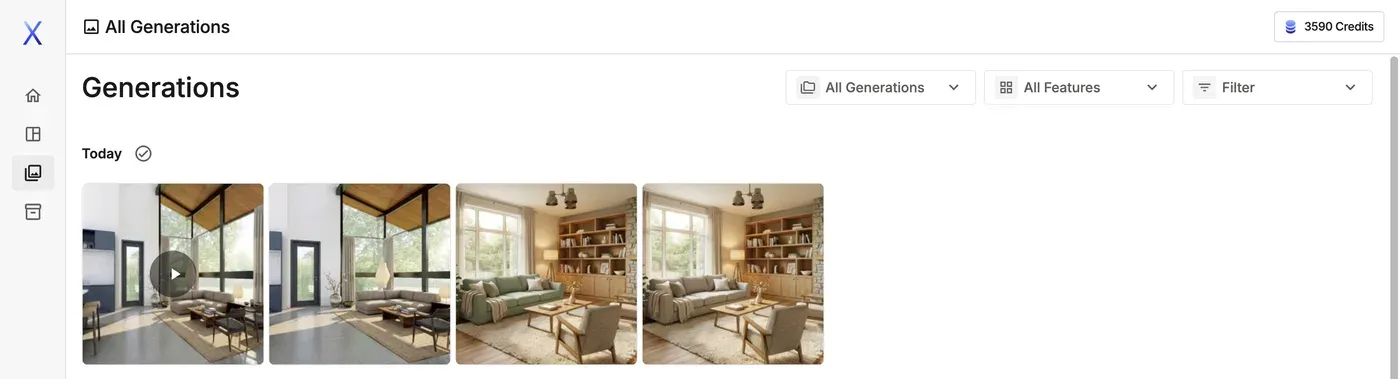
All Generations shows everything you've generated, grouped by date, across all your projects. Everything you generate is saved here automatically, so it's the place to look for past work.
Filtering
Use the three menus at the top right:
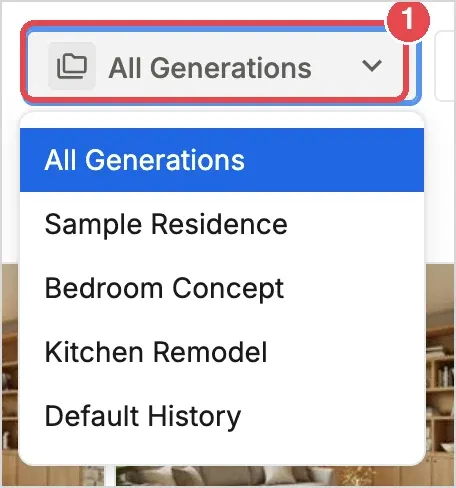
- All Generations: Choose a project to show only its generations, or All Generations to show everything.
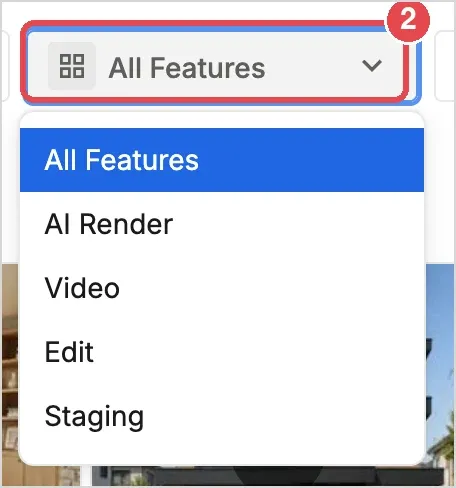
- All Features: Show only the results of one feature: AI Render, Video, Edit or Staging.
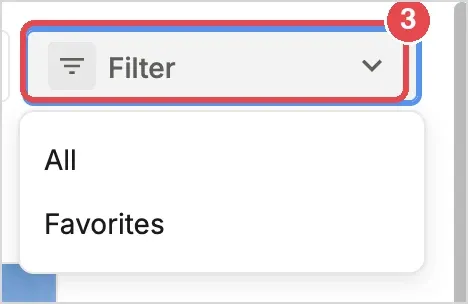
- Filter: Choose Favorites to show only the images you have favorited, or All to show everything again.
Hover over an image to favorite it, open its properties, edit it in the Image Editor, download it, upscale it or delete it.
💡 Tip: If you're having trouble finding something, start by filtering by feature.