
Saving Generation Settings
When you want the same look every time, save your settings and reuse them instead of choosing every option again.
How to Use
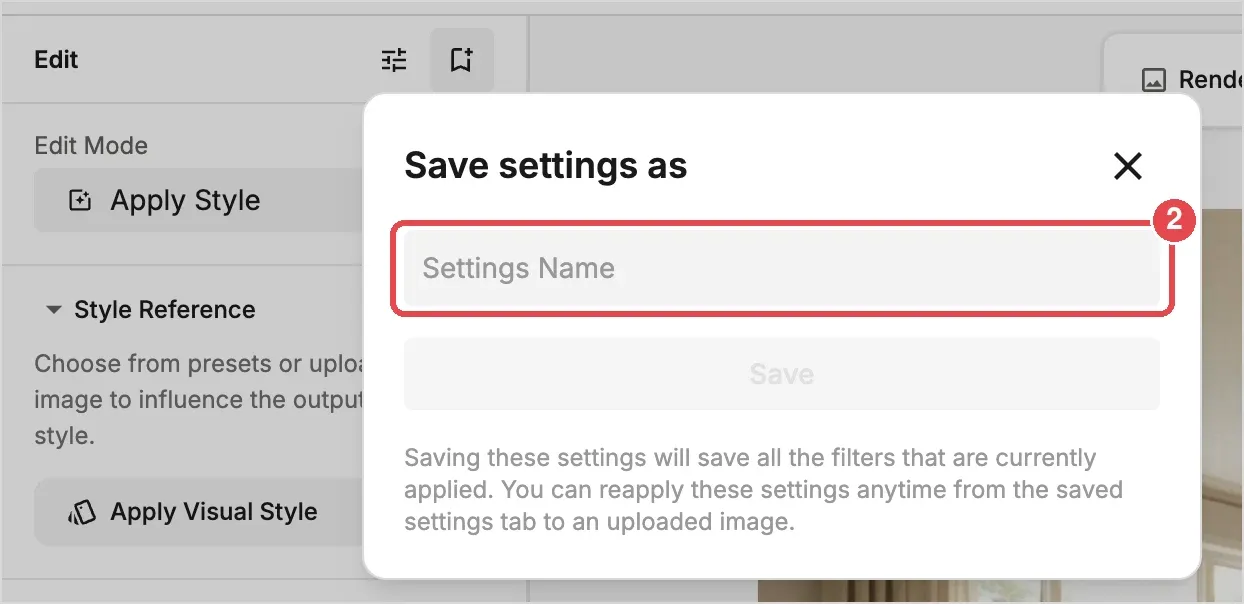
- Save: Click the save icon (2) at the top of the settings panel, enter a name in Save settings as and click Save.
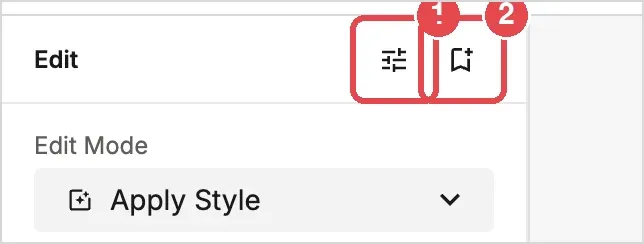
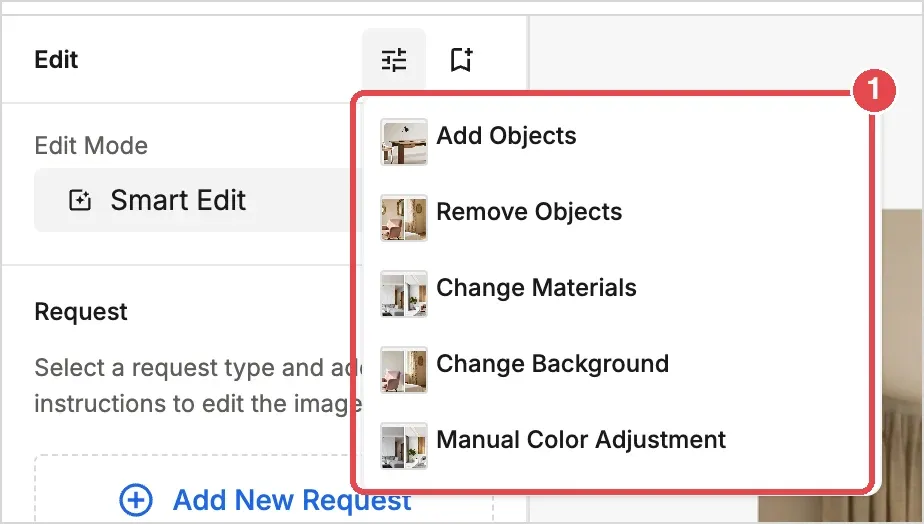
- Reuse: Click the Saved Generation Settings icon (1) and choose the settings you saved. On the Edit tab, the list also includes ready-made settings such as Add Objects, Remove Objects, Change Materials, Change Background and Manual Color Adjustment.
💡 Tip: Saving a few favorite combinations, such as your usual style and lighting, keeps your results consistent across projects.