
What Makes ArchiX Different: A Tool That Transforms Images
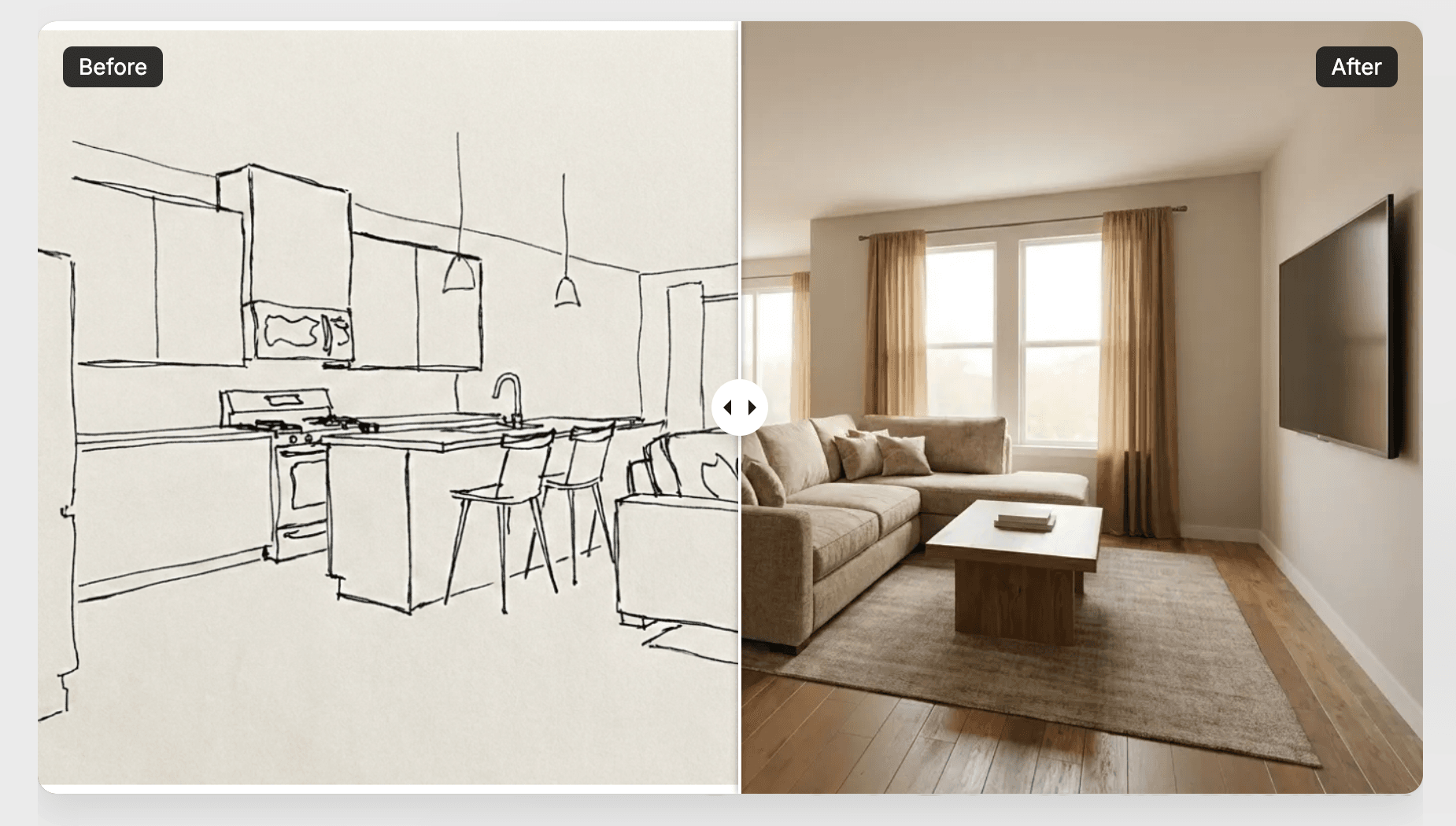
ArchiX is a tool that transforms an input image into a new visual. Rather than writing a prompt and generating an image from scratch, it uses your original image or material as the foundation.
There's one key idea to understand before you start using ArchiX: it takes the image you upload as a foundation and transforms it into a different kind of visual. It doesn't generate images from text, so you need source material such as a photo, sketch, drawing, CG image or model.
Choose Your Material with the Input Type
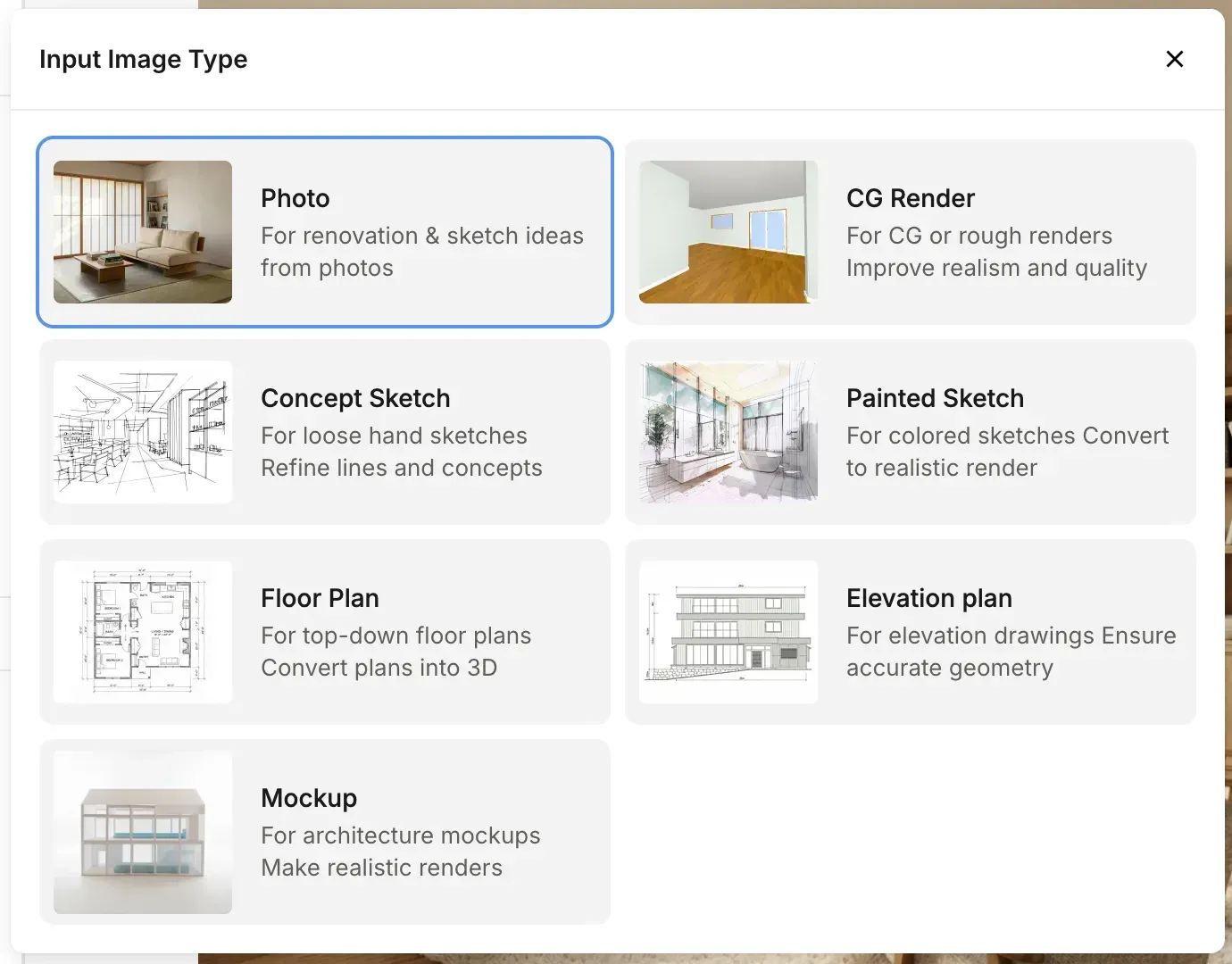
Use the Input Image Type to tell ArchiX what kind of material you're uploading. Choosing the type that matches your material helps the AI understand the image correctly and improves the accuracy of the result. There are 7 input types in total. See "7 Input Types and Their Uses" for details.
💡 Tip: Because ArchiX builds on your input image, it isn't good at accurately creating things from scratch that aren't in the input. We recommend adding or fixing missing elements afterward with the AI Image Editor.