
Video Mode 1: Single Image
Create a video from a single image. The camera movement depends on the scene type.
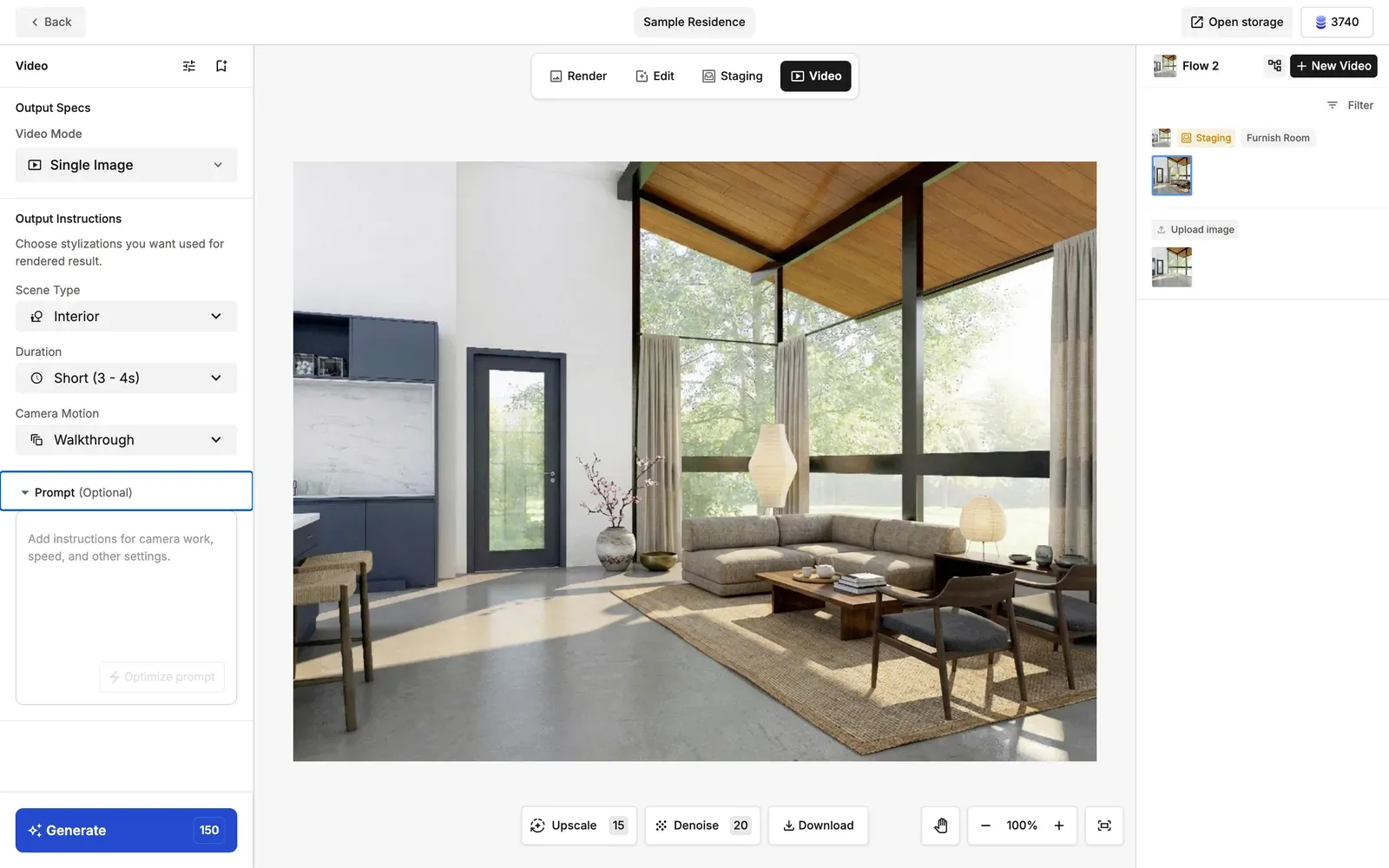
Single Image is the mode that generates a high-quality video from a single image. It's an easy way to make a "video rendering."
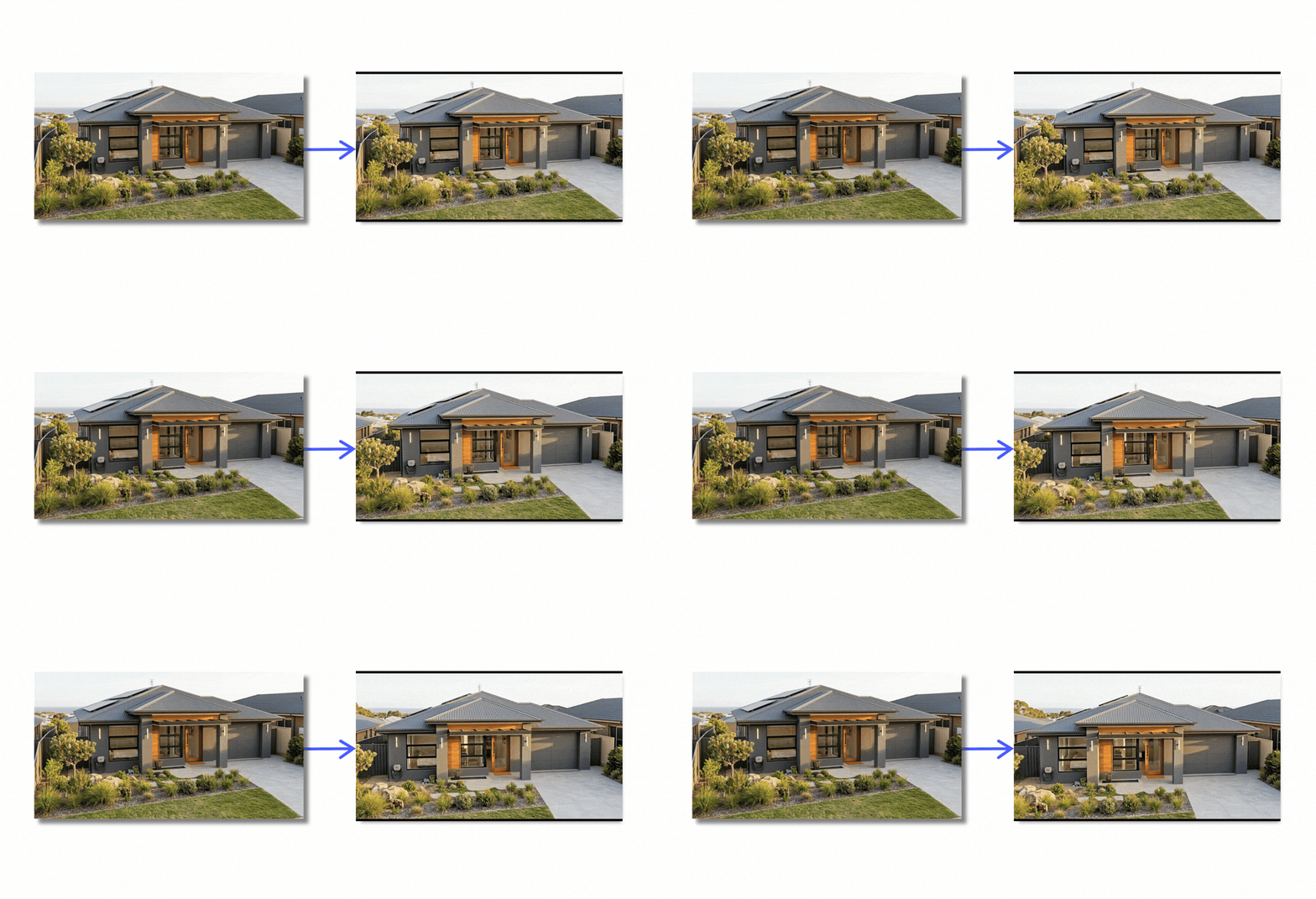
Interior: For interiors, you can choose from two types, Walkthrough and Pan.
- Walkthrough: Moves forward.
- Pan: Moves left and right.
Exterior: For exteriors, Drone moves around the outside of the building, as if it were filmed by a drone.
💡 Tip: If you want to use a range of camera movements, such as fades or angle moves, use the Start & End Frames mode.