
Inviting Your Team
Invite members and share credits.
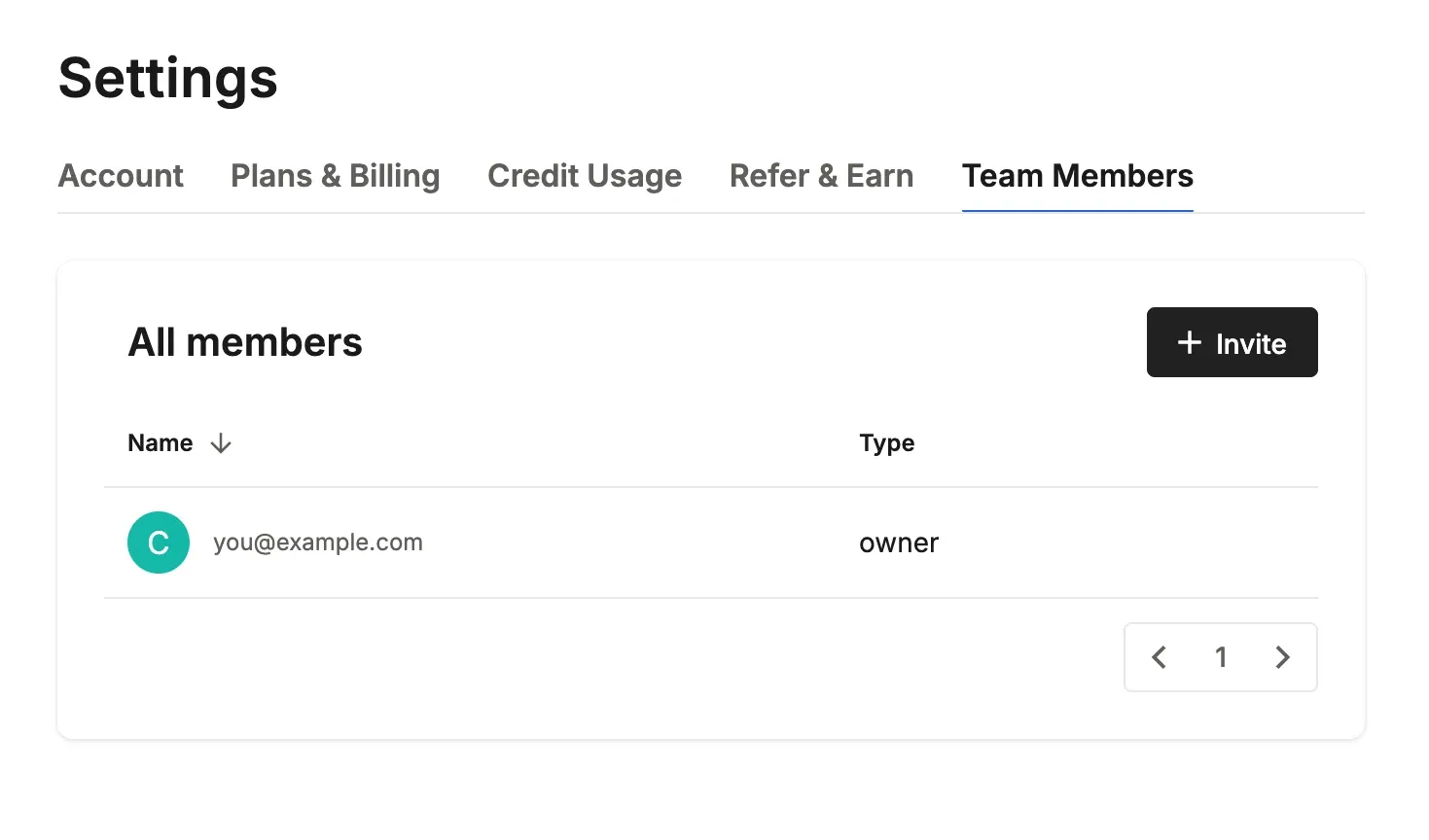
Team invitations let you invite members to use ArchiX together. Only the owner of the billing account can invite and manage members.
Steps
- Go to Settings → the Team Members tab → Invite.
- Enter each member's email address and name. An invitation link is sent automatically. You can invite several people at once.
- When the invited person logs in through the link, they join the team.
💡 Note: Team invitations aren't available on the Free, Lite and Max plans yet. The app shows Team Plan coming soon.
Sharing Credits
- Adding members increases your monthly credits based on your plan, and the whole team shares them (per member: AI Visual Studio +2,000, Pro +4,000, ArchiX Complete +6,000).
- For billing, the owner's payment method and plan also apply to members. Each member can also buy their own plan.