
Export, Upscale and MP4
Export in the format, quality or video type that fits your purpose.
You can export generated data by choosing the format and quality that fit your purpose. Make sure you understand the difference between Download and Upscale, which are easy to mix up.
Export Types
- Download: Saves as PNG, JPG or WebP.
- Upscale: Improves image quality (separate from downloading; use it as a finishing step).
- Video: Saves as MP4.

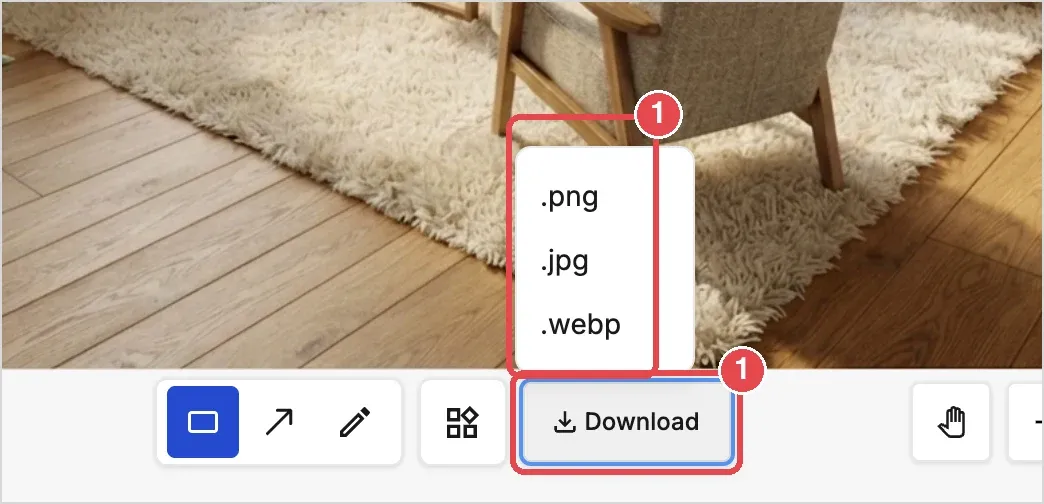
Upscale isn't a download. It's a feature that makes the generated image sharper. After upscaling, save the image using Download.
💡 Tip: If you clicked Upscale and nothing was saved, that's because Upscale only improves image quality. Use Download to save.