
Background (Replace)
Replace the background of an already generated image using presets.
Background mode replaces the background of an image you've already generated. Use it if you forgot to set a background when generating with AI Render, or if you want to change the surroundings later. You choose the background from presets.
Background Types You Can Choose
- Japanese Corner House
- Japanese Urban House
- Japanese Urban Business Street
- Traditional Japanese Street
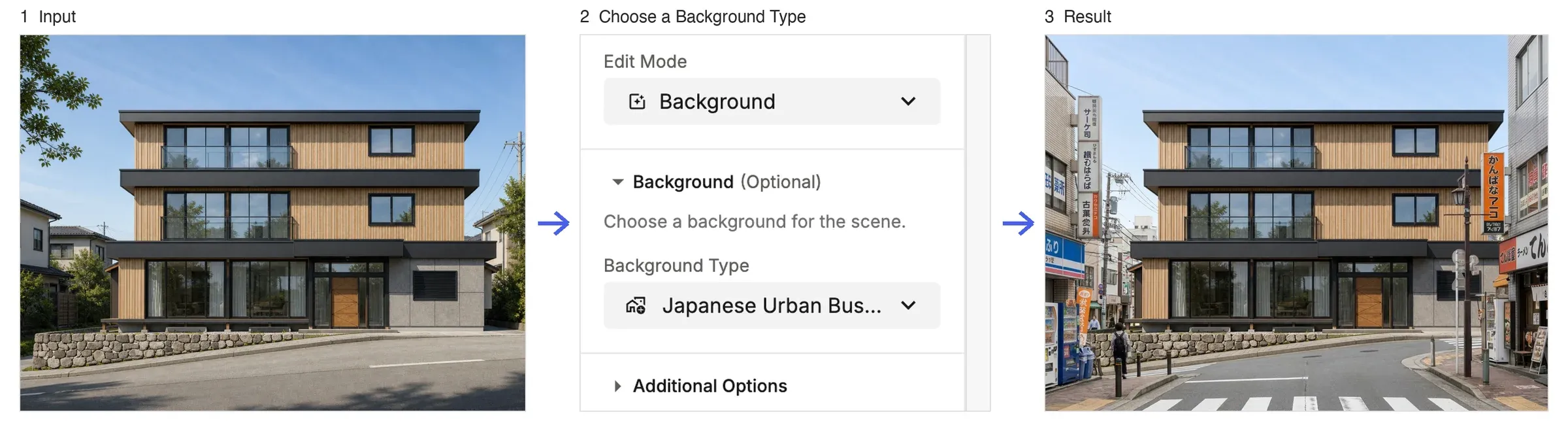
How to Use
- Open the Edit tab with your exterior image.
- Choose Background under Edit Mode.
- Choose a preset under Background Type.
- Click Generate (20 credits).
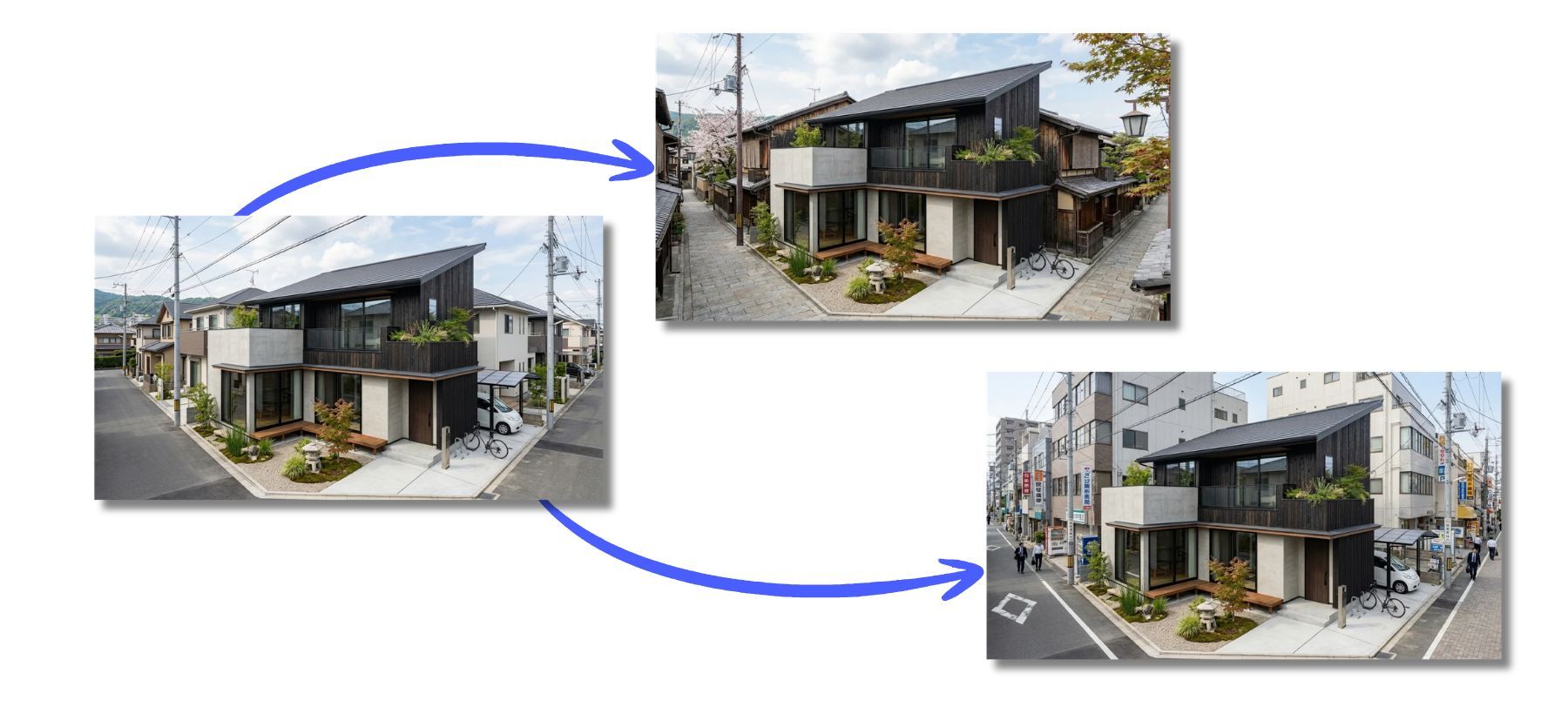
💡 Tip: In AI Render, you can only set a Background for Exterior projects, but with this mode you can replace the background even on an image you've already generated.