
Output Instructions: Scene Type and Duration
Set the video's scene type and length.
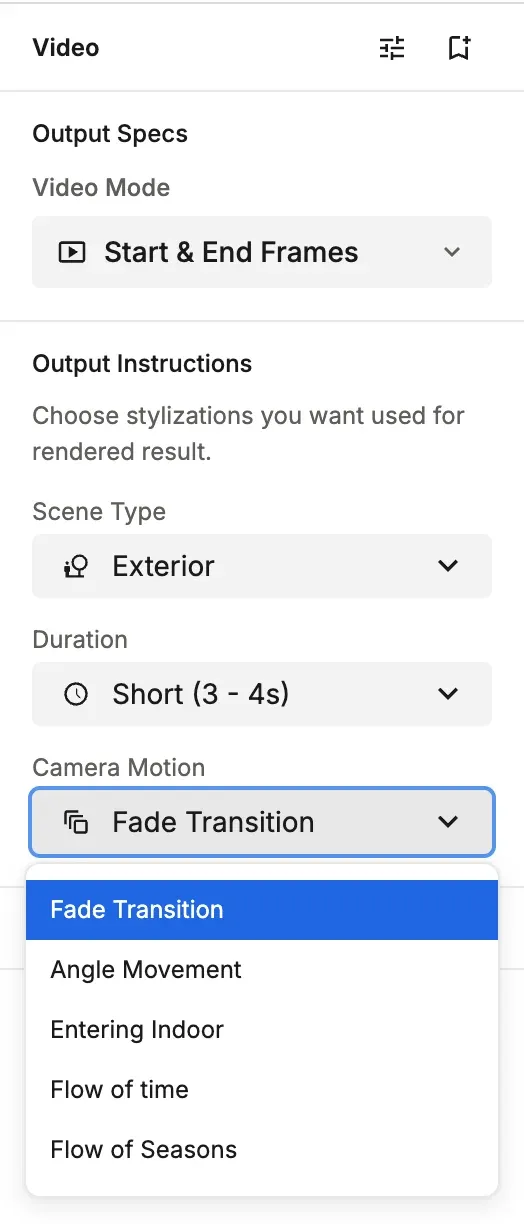
As the video's output instructions, you choose a Scene Type and a Duration. These settings are shared by both video modes.
Settings
- Scene Type: Exterior or Interior (2 types).
- Duration: Short (3 - 4s), Medium (5 - 6s) or Long (7 - 8s)
- Camera Motion: How the camera moves. For Single Image, choose Walkthrough or Pan for interiors and Drone for exteriors. For Start & End Frames, see that mode's page..
💡 Tip: The longest video is 7 to 8 seconds (Long). Long-form video isn't supported, so keep the key points you want to show short and focused.