
Logging In and Setup
ArchiX runs entirely in your browser, so there's no software to install. This page explains everything from creating an account to getting started.
We recommend Chrome, but you can also use other browsers such as Safari or Firefox.
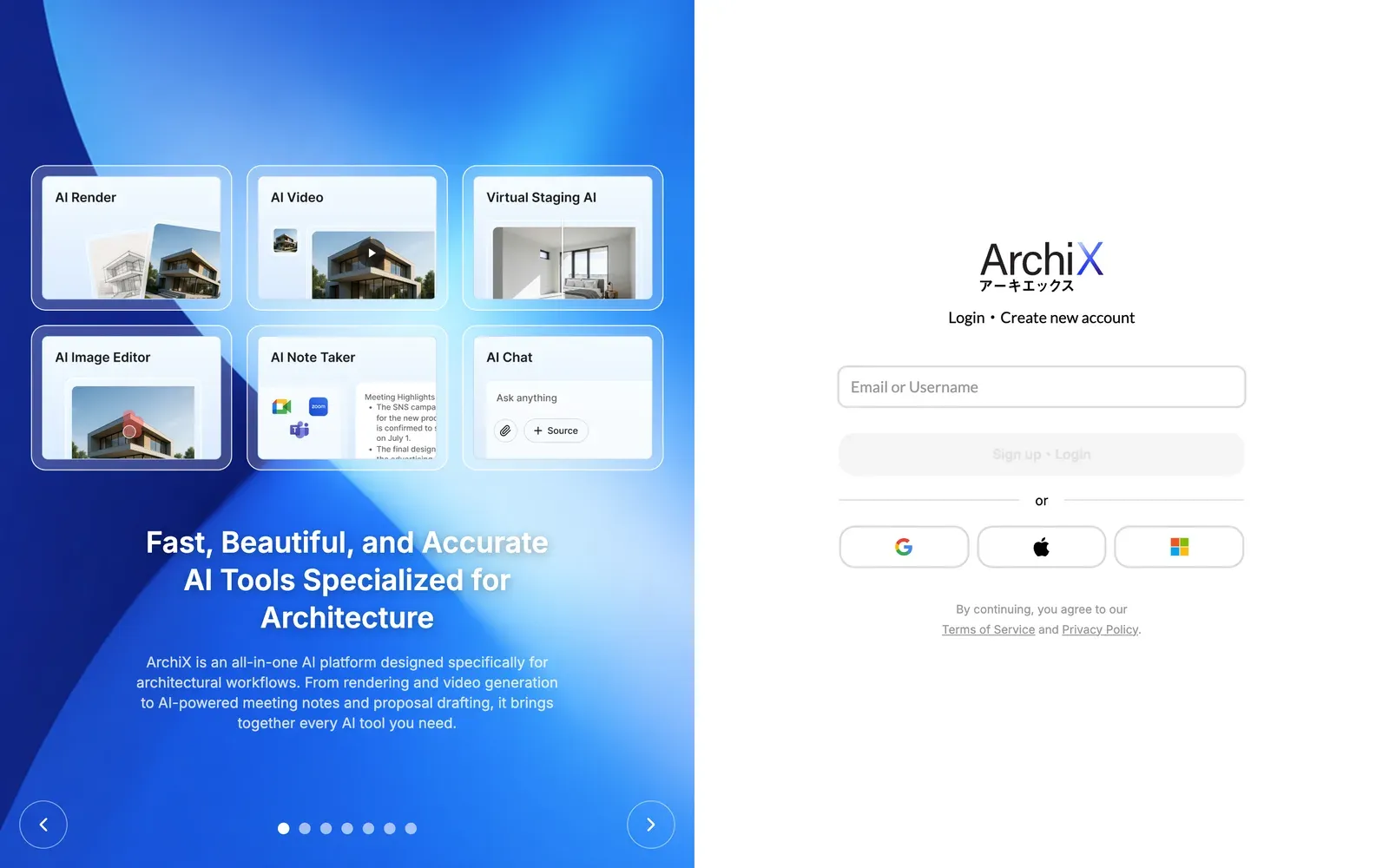
How to Use
- Sign up or log in: Go to app.archix.ai and enter your email address in the Email or Username field, then click Sign up・Login. New users set a password and verify their email. You can also use your Google, Apple or Microsoft account.
- Log in with a username: If your account has a username, you can type it instead of your email address. Forgot your password? also accepts either one.
- If you copy and paste your email address, make sure there are no extra spaces before or after it.
- Free credits: Every new user receives free credits at sign-up, so you can try the features before choosing a plan.
- Choosing a plan: To keep using ArchiX after your free credits run out, choose a plan in Settings → Plans & Billing.